Should I Embed a Google Map on My Business Website?
Decide whether an embedded map helps customers visit your business, and check privacy, accessibility and performance before adding one.
Part of our guide: The Complete Website Guide for Local Service Businesses
Embed a map when it makes a real customer task easier, such as finding an entrance or understanding the surrounding area. Do not add one solely because every contact-page template includes it.
A text address, practical directions and a link to open a mapping service may be enough. For businesses that travel to customers, an office map can even create the wrong impression.
Start with the arrival question
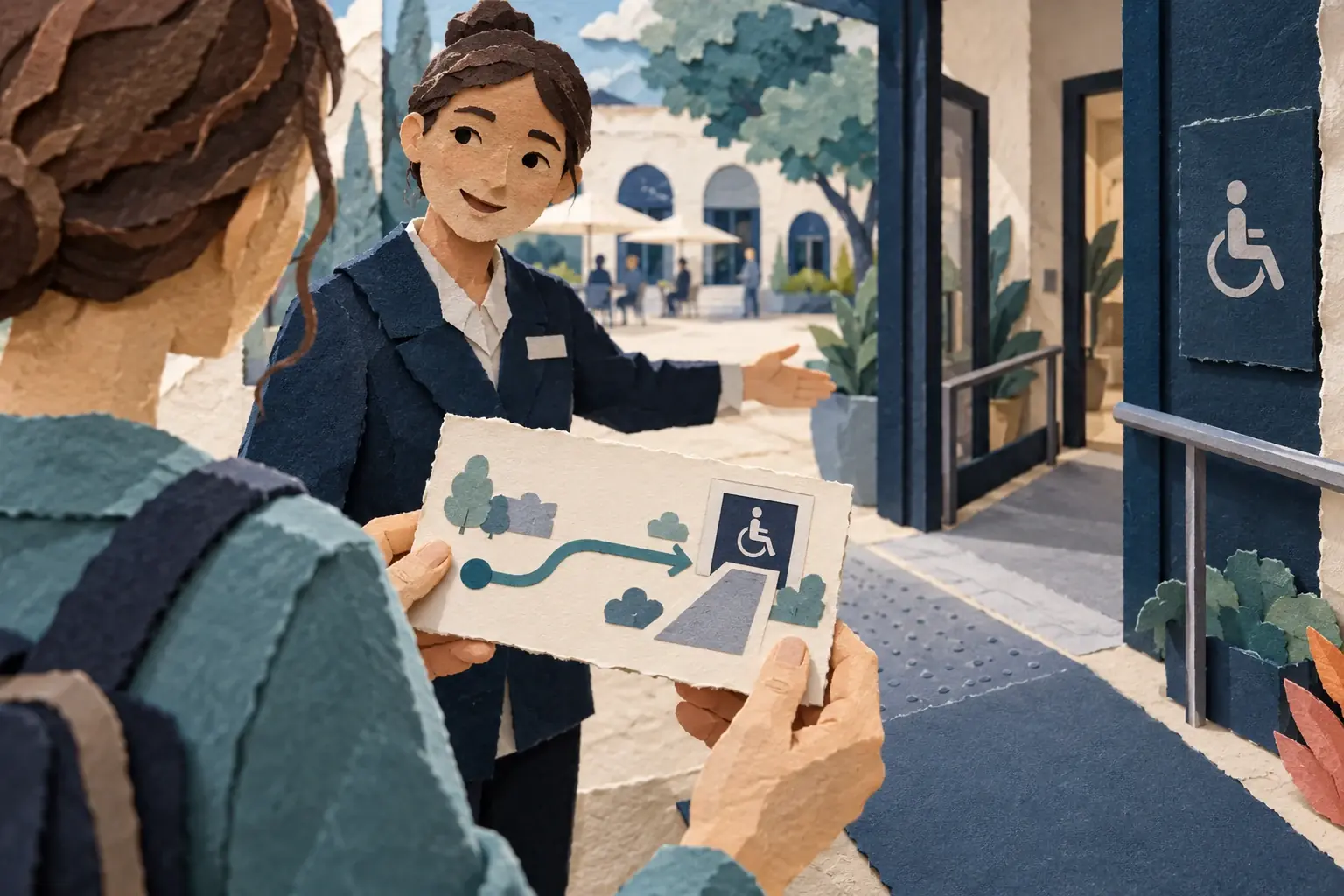
Ask whether customers visit the displayed location and whether the map points to the correct entrance. A pin on the centre of a large building may not identify the accessible door or reception point.
Add appointment requirements, parking information and other relevant instructions in text. A map cannot explain every practical detail.
The local service website guide helps distinguish visiting premises from service coverage.
Thinking about your own rebuild?
Tell us about your business, your current website and what you would like to improve. We will help you work out the next step.
Choose between a link and an embed
A normal directions link lets visitors open the mapping service when they want it. An embedded interactive map gives immediate context but introduces an external component into the page.
Google’s Maps Embed API overview describes one supported integration route. Check its current requirements and terms rather than copying an old code fragment.
A simple link is often easier to maintain. An embed should earn its extra complexity.
Keep the address readable without the map
Display the address as text and label its purpose. A registered office, depot and customer reception may be different places.
Do not make essential directions depend on accepting optional third-party content. Visitors using assistive technology or blocking external resources should still understand where to go.
Provide a contact method for access questions that the page cannot answer.
Review privacy behaviour
An external map can create requests to another provider and may involve storage or access technologies. Assess the actual implementation and update privacy information where needed.
Do not assume that an iframe is exempt simply because it is small. If your assessment requires a prior choice, implement and test that behaviour.
The cookie-banner guide explains how to approach the technology rather than guessing from its appearance.
Test performance and interaction
Check the contact page before and after adding the map. Avoid loading a large interactive component far below the visible content without considering an appropriate loading strategy.
On a phone, make sure the map does not trap scrolling or obscure the contact form. Keyboard users should be able to move past it and understand its purpose.
A location tool should make arrival easier, not make the page harder to use.
Keep profile information aligned
Check the destination against your Google Business Profile and other official business information. An old pin can continue sending customers to a former premises.
Include a working phone number for practical arrival questions, but do not use that as an excuse to leave directions ambiguous.
The local visibility guide covers the wider consistency checks.
Do not expect a ranking shortcut
Embedding a map is not a guaranteed local-ranking improvement. Its clearest value is helping a visitor use the service.
If you do not receive visitors, describe your genuine coverage instead of showing a private address or fictional branch. Recheck the choice when the business moves or changes its operating model.
For help simplifying a contact page and its external integrations, contact AfterWorks.